Pinzu Releases SORYNO Clip, Free Clipper VST3 for Windows
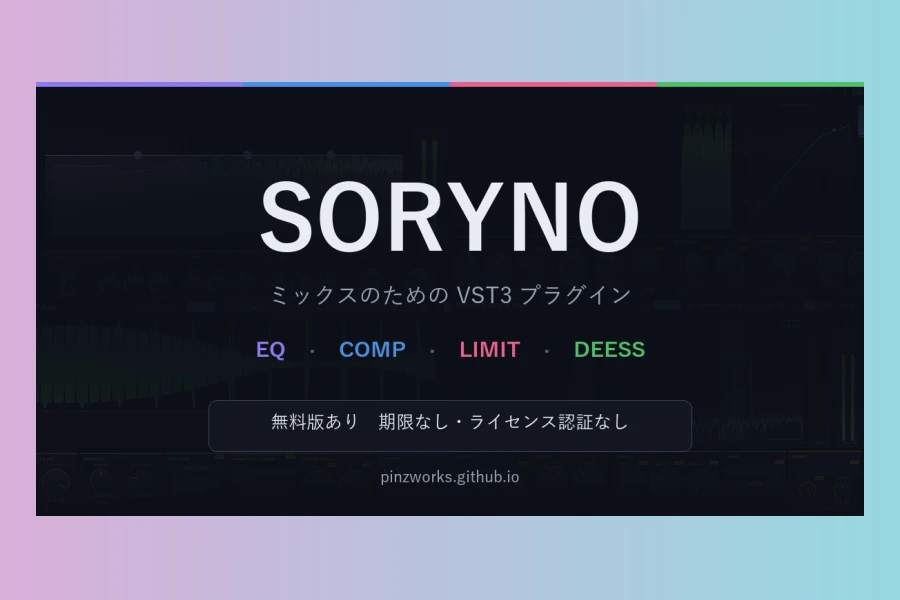
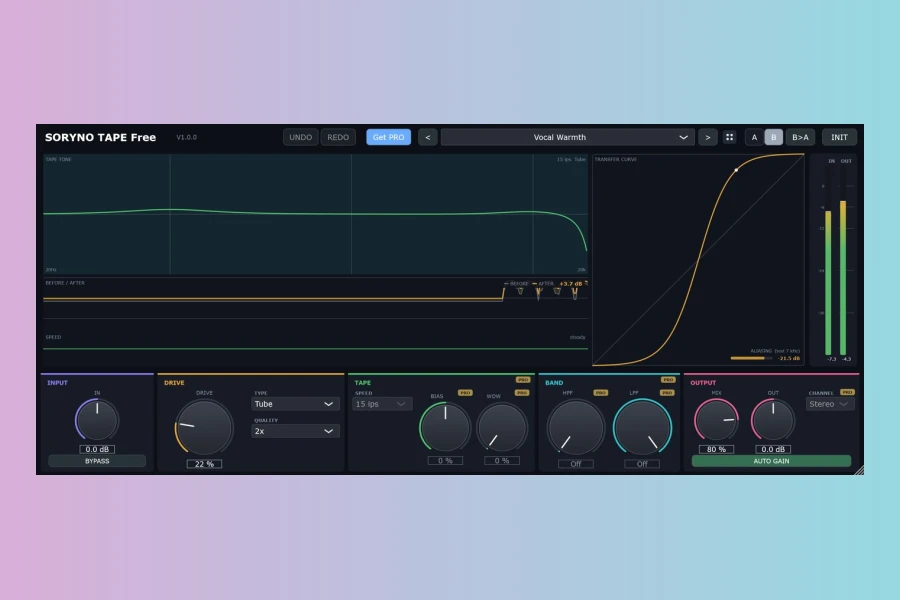
Pinzu has introduced SORYNO CLIP, a free clipper VST3 plug-in for Windows. This new tool is designed to shave off peaks at the ceiling while showing exactly what it removes. The plug-in is part of the SORYNO series, which includes an EQ, compressor, limiter, de-esser, and tape saturator. Each of these has a free version, and SORYNO CLIP follows that pattern.
Visual Feedback as a Core Feature
The standout aspect of SORYNO CLIP is its visual approach. The waveform view draws the output over the input, so the colored part sticking out is the removed portion. Additionally, the ceiling line moves down as DRIVE is raised, letting you follow the amount being removed by eye. A transfer curve with a glowing dot shows the current audio position. The curve on screen and the audio come from the same calculation, ensuring accuracy.
Moreover, readouts display the clipped percentage, auto gain amount, and oversampling in use. The graph responds to the control you just moved, framed in that control’s panel color for about two seconds. This also applies to automation, presets, and A/B comparisons.
Controls and Specifications
DRIVE ranges from 0 to +24 dB, pushing the signal into the ceiling. CEILING goes from -24 to 0 dB, with overshoot caught by a 16-sample lookahead. SHAPE offers Hard, Soft, or Round settings, determining how far below the ceiling the curve starts to bend. MIX allows parallel clipping from 0 to 100%, and an OUT trim adjusts from -24 to +24 dB. AUTO GAIN only turns the level down, so clipped and unclipped signals are compared at the same loudness.
QUALITY provides oversampling at 1x or 2x, with 2x as the default. Latency is zero at 1x and 19 samples at 48 kHz at 2x. The plug-in includes 12 presets, user presets, A/B comparison with undoable copy, undo/redo, tooltips, and a resizable window. Bypass is latency compensated, so switching it off does not shift timing against other tracks.
Free and Pro Versions
As with other SORYNO plug-ins, the free version is not a crippled trial. It aims to be sufficient on its own. Pro-only features are shown in grey on the interface, so you can see what you would gain. There is no license activation, no time limit, and no usage restrictions. The plug-in runs offline on as many of your own computers as you like, and you can sell music made with it.
Availability and Installation
You can download SORYNO CLIP directly from pinzu.tech without an account, or from BOOTH, which requires a free pixiv account. The ZIP includes an English readme and an install script that works without administrator rights. It installs into your user area, a standard VST3 location. After that, rescan your plug-ins in your DAW, and SORYNO will appear.
In summary, SORYNO CLIP offers a transparent, visual way to handle clipping, making it a practical addition for Windows-based producers.
Features
- DRIVE 0 to +24 dB
- CEILING -24 to 0 dB
- SHAPE: Hard, Soft, Round
- MIX for parallel clipping
- AUTO GAIN
- QUALITY: 1x or 2x oversampling
- 12 presets and user presets
- A/B comparison and undo/redo
- Resizable window
- Zero latency at 1x
Pros
- Free with no time limit or activation
- Visual feedback shows exactly what is removed
- Zero latency at 1x oversampling
Cons
- Windows only, no macOS version
- VST3 format only, no AU or AAX
More info: Pinzu | SORYNO CLIP
HIT OR SHIT Indicator
💩
Indication by Noizefield
Average Indication by Readers
🚀
What do you think?
Hit or Shit? Please rate from 1 (💩) to 10 (🚀)
✅ You already voted. Thanks!
Check these out!