Design a Vintage Vinyl VST UI with AI – Audio Plugin Coder Walkthrough Part 4
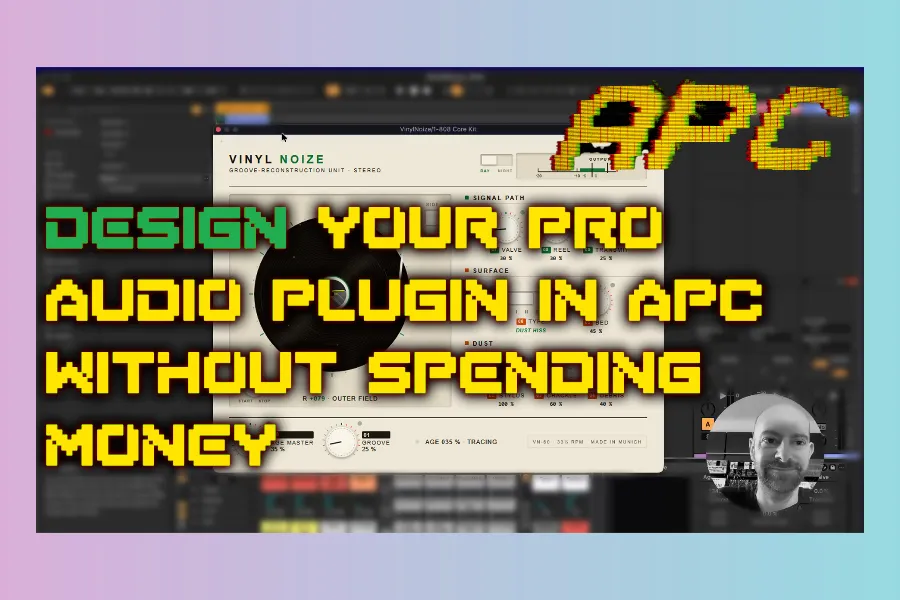
Part 4 of the Audio Plugin Coder (APC) walkthrough: design the Vinyl Noise GUI with /apc-design — HTML mockups, vintage Hi-Fi aesthetics, and ruthless screenshot-driven iteration.
Part 4 — DESIGN
Mockups · style guide · layout feedback loops.

· Previous: Part 3 — Plan.
Start Design
/apc-design VinylNoise
APC may offer existing library skins (e.g. Ember Signal) or a blank start. Style prompts in this session leaned toward:
- 1960s Hi-Fi — Swiss / German / Dieter Rams–inspired restraint
- Shellac black disc, cream contrast, lab-green accents
- Technical metering and architectural typography (not decorative chaos)
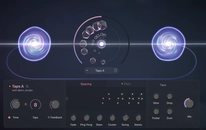
- Central rotating record with controls arranged around it
- Knobs, switches, and a VU-style meter
The agent writes a design spec / style guide, then an HTML mockup you open in the browser.
Iterate with screenshots
First versions rarely nail layout. Useful feedback patterns from the video:
- Fix overlapping knobs and text over the vinyl
- Keep the tonearm a fixed length (don’t “grow” the arm with the groove control)
- Correct arm pivot and groove position toward the label
- Clarify VU needle / meter graphics (horizontal tape-era meters work better than mystery curves)
- English-only UI copy; rename awkward labels (e.g. signal path / surface / valve / tape)
- Prefer a clean panel over noisy background textures
Bump to a stronger model (or max reasoning) when HTML layout stalls — design is where mid models often struggle.
Why Design time pays off
The more you refine Plan and Design, the less you fight broken controls after Implement. Approving a messy mockup means shipping a messy plugin. APC expects you to loop: mockup → screenshot → notes → next version.
Version numbering in the session climbed through multiple HTML revisions as arm animation, dust/age cues, and metering were tightened.
Practical tips
- Describe the era and brand language, not only colours.
- Attach screenshots every round — the agent needs pixels, not memory.
- Separate “looks cool” from “physically plausible” (arm length, light reflections that should not spin with the disc).
- Stop when the design language is right even if a few pixels remain; polish can continue in Part 5.
Next up
Part 5 — lock the final UI (A/B sides, scratch interaction), save a design template, convert HTML into JUCE WebView structure, and use APC’s troubleshooting skills when CORS / path bugs appear.
HIT OR SHIT Indicator
💩
Indication by Noizefield
Average Indication by Readers
🚀
What do you think?
Hit or Shit? Please rate from 1 (💩) to 10 (🚀)
✅ You already voted. Thanks!
Check these out!