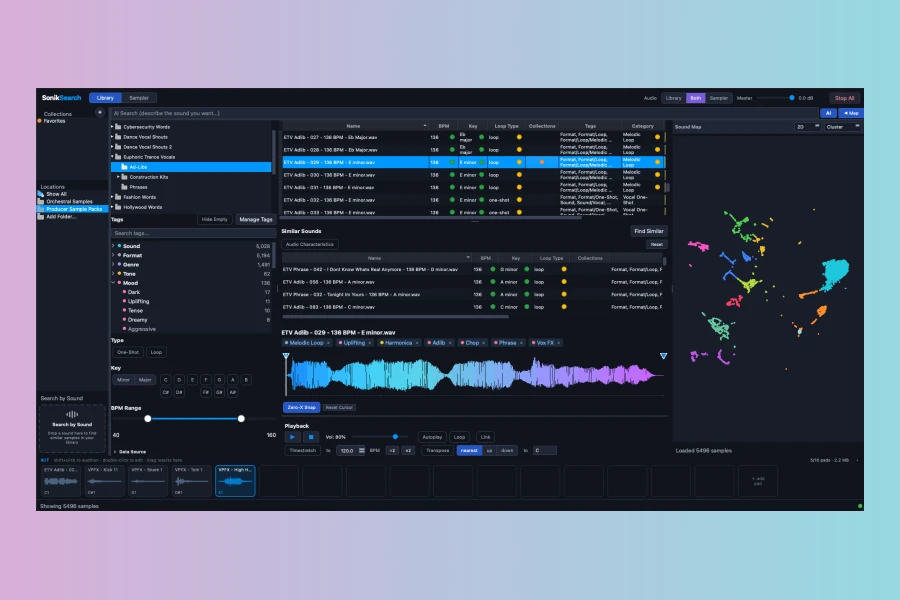
Auden Music has released Coda, a new sample manager designed for music producers and composers. It aims to solve the problem of searching through large sample libraries. Coda indexes your local samples, instruments, and patches in place. It works with popular formats like WAV, AIFF, MP3, FLAC, and REX. Moreover, it supports instruments from Kontakt, Omnisphere, Serum, and u-he synths.
How Does Coda Work?
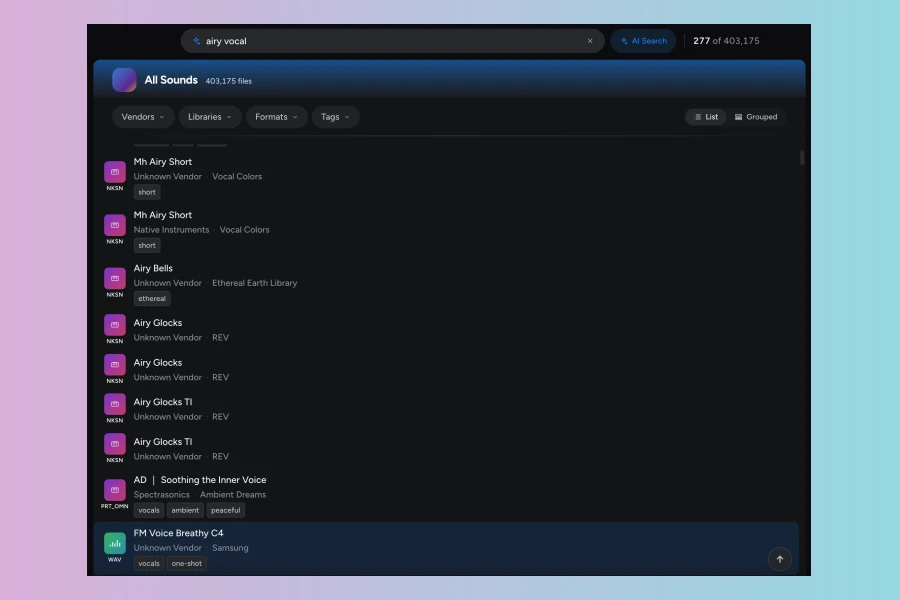
Coda uses semantic search. Instead of typing filenames, you describe the sound. For example, you can type “warm analog bass” or “lush legato strings.” The app understands the meaning and finds matching sounds across your entire library. In addition, it auto-tags every file by type, vendor, and sound library. You can add your own tags as well. Therefore, filtering and finding sounds becomes quick and intuitive.
Drag-and-Drop into Any DAW
You can audition samples directly inside Coda. Then you drag them into your DAW. Coda supports all major DAWs, including Cubase, Logic Pro, Ableton Live, FL Studio, and Pro Tools. There are no exports or detours. Consequently, this keeps your workflow smooth and efficient.
Maestro AI Assistant
Coda includes Maestro, a chat-based AI assistant. You can describe a vibe or a missing arrangement piece. Maestro pulls matching samples and explains why they fit. The AI runs locally, so your files are never uploaded. However, going online improves search quality. Similarly, you can use it offline for scanning, tagging, and previewing.
Pricing and Availability
Coda is available for macOS on Apple Silicon and Windows 10 or later. You can download a free 14-day trial without a credit card. After the trial, a one-time license costs $79, down from $99. This is a limited-time offer. The license includes starter AI tokens. For heavy users, there is an optional Maestro add-on for $9 per month.
Features
- Semantic search by description
- Auto-tagging by type, vendor, and library
- Local indexing – files are not moved or modified
- Drag-and-drop into any DAW
- Maestro AI chat assistant
- Works with Kontakt, Omnisphere, Serum, and more
System Requirements
Coda requires macOS on Apple Silicon or Windows 10 or later. It supports audio formats such as WAV, AIFF, MP3, FLAC, and REX. The app indexes your library in place, so your files stay exactly where they are. Additionally, the AI runs locally, ensuring privacy.
Final Thoughts
Coda offers a fresh approach to sample management. Its semantic search and AI assistant stand out. The one-time pricing is reasonable. However, the Apple Silicon requirement may exclude some Mac users. Also, the base license includes limited AI tokens. Still, for producers with large libraries, Coda could save a lot of time.
👍 Pros
- ✓ Semantic search for finding sounds by description
- ✓ Auto-tagging and organization of entire library
- ✓ Drag-and-drop integration with any DAW
👎 Cons
- ✗ Requires macOS Apple Silicon (no Intel support)
- ✗ Base license includes limited AI tokens, add-on required for heavy use
More info: Auden Music | Coda
HIT OR SHIT Indicator
💩
Indication by Noizefield
Average Indication by Readers
🚀
What do you think?
Hit or Shit? Please rate from 1 (💩) to 10 (🚀)
✅ You already voted. Thanks!
Check these out!