
Transientik Master: Deterministic Mastering Plugin
Transientik Labs Launches Transientik Master Plugin
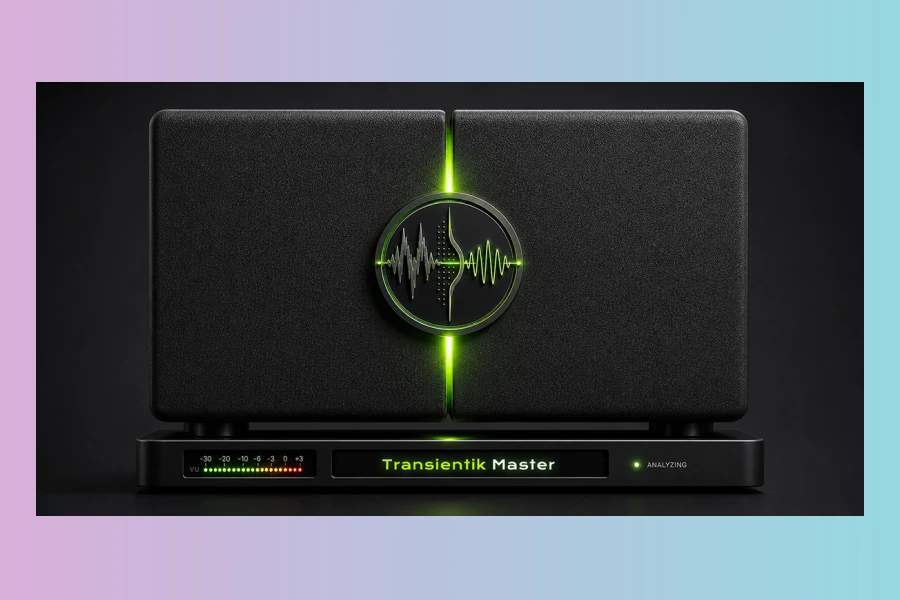
Transientik Labs has officially released Transientik Master, a new scientific mastering and restoration plugin designed for Windows and macOS. This innovative tool aims to resolve a common challenge faced by music producers: achieving a polished, competitive, and release-ready mix without requiring a professional mastering engineer. Initially developed as an internal solution for cleaning AI-generated tracks, the plugin has demonstrated equal effectiveness across a wide range of human-made mixes and genres.
Following a month of rigorous closed beta testing with a diverse group of producers, composers, mixing engineers, and AI music creators across multiple countries, Transientik Master has evolved into a full commercial release. Furthermore, the plugin stands out due to its unique approach to audio processing, prioritizing analysis before applying any effects. Consequently, this ensures a more informed and precise mastering outcome for users.
The Transparent, Deterministic Approach
Transientik Master employs a distinctive three-step pipeline: Listen, Decide, and Fine-tune. First, the plugin conducts a comprehensive analysis pass of the track, meticulously examining loudness, spectrum, stereo image, transients, and identifying potential safety risks. In addition, it then constructs a destination-aware mastering plan using deterministic rules, rather than relying on runtime AI models. All DSP operations are deterministic and run entirely locally, meaning there are no cloud dependencies involved. Moreover, the plugin allows users to adjust the results while maintaining full visibility and recoverability of the automatic baseline.
Unlike many automated mastering solutions, every decision made by Transientik Master is meticulously logged and explained through a feature called DecisionTrace. This readable, per-decision reasoning report not only informs the user about what changes were made but also, crucially, explains why they were implemented. This level of transparency helps users understand the mastering process better and can even guide them towards making improved mixing decisions in the future.
Key Features and Workflow
The plugin offers eight distinct destination presets, each carefully tuned for a specific delivery context. These include options like Streaming Loud, Streaming Safe, CD, Vinyl, DJ Set, Cinematic, and Just Make It Loud. For advanced users, a fully manual Skip/Manual mode provides direct access to the four underlying DSP stages: Clean, EQ, Compression, and Limiting. Furthermore, the intuitive interface guides users through a six-step mastering process:
- Start Analysis: Initiate the guided mastering wizard.
- Play Track: Allow the plugin to listen to the entire song for comprehensive analysis.
- Pick a Destination: Choose from various loudness targets and processing profiles.
- Switch Destinations: Instantly re-resolve against the same analysis without re-listening.
- Fine-tune: Adjust the master using 12 directional nudges at three intensities.
- Apply Final Master: Finalize the track and access analysis results or save presets.
Features
- Deterministic mastering engine for consistent results.
- Comprehensive analysis of spectrum, dynamics, transients, and stereo balance.
- Eight destination presets for various output contexts (Streaming, CD, Vinyl, etc.).
- DecisionTrace technology explains every processing choice.
- Fine-tuning options with 12 directional adjustments.
- No runtime AI model or cloud dependency.
- Supports VST3 and AU formats on Windows 10/11 and macOS 10.13+.
- Lightweight system requirements, compatible with Intel and Apple Silicon Macs.
- One license covers up to three machines.
During the closed beta, testers across various genres praised Transientik Master. Chad Bernhard, a producer and mixing engineer, noted, “I’ve consistently gotten better results with Transientik Master than I have with similar tools like Ozone 11.” Similarly, James Nicholls highlighted a “noticeable difference” compared to other automated mastering services. Michael de Jonge added that the plugin “acts as a transparent, data-driven assistant that actively teaches you how to make better mixing decisions.”
Pricing and Availability
Transientik Master is available for a one-time purchase. The developers emphasize a commitment to fair and transparent tools, ensuring that a professional-sounding master is accessible without recurring fees. Consequently, this approach makes it an attractive option for bedroom producers, professional engineers seeking a quick second opinion, and AI music creators alike.
Price
$19.99
No subscription, includes all future updates.
A fully functional free demo is also provided, which is identical to the paid version except for an audible voiceover watermark. This watermark is removed upon activation. The plugin runs as VST3 and AU on Windows 10/11 and macOS 10.13 and later, supporting both Intel and Apple Silicon Macs with lightweight system requirements and no GPU or cloud dependency. One license covers up to three of a user’s own machines. This release marks the first in the planned Transientik product family, which will expand to include dedicated plugins for drums, vocals, and guitars, all designed to integrate into a unified production workflow.
Pros
- Transparent, deterministic mastering with 'DecisionTrace' for informed decisions.
- Guided workflow with specific destination presets for various output needs.
- One-time purchase model includes all future updates, no subscription.
Cons
- Demo version includes an audible watermark until activated.
- Initial activation requires an internet connection.
More info: Transientik Labs | Transientik Master