RIPPLES Pulse: Free Sidechain & Gate Plugin
RIPPLES has released Pulse, a free rhythmic volume shaper for macOS and Windows. This insert effect offers sidechain pumping, gating, and LFO-based volume shaping in a single window. Pulse is available as VST3 and AU, and it requires a free RIPPLES account.
What Does Pulse Do?
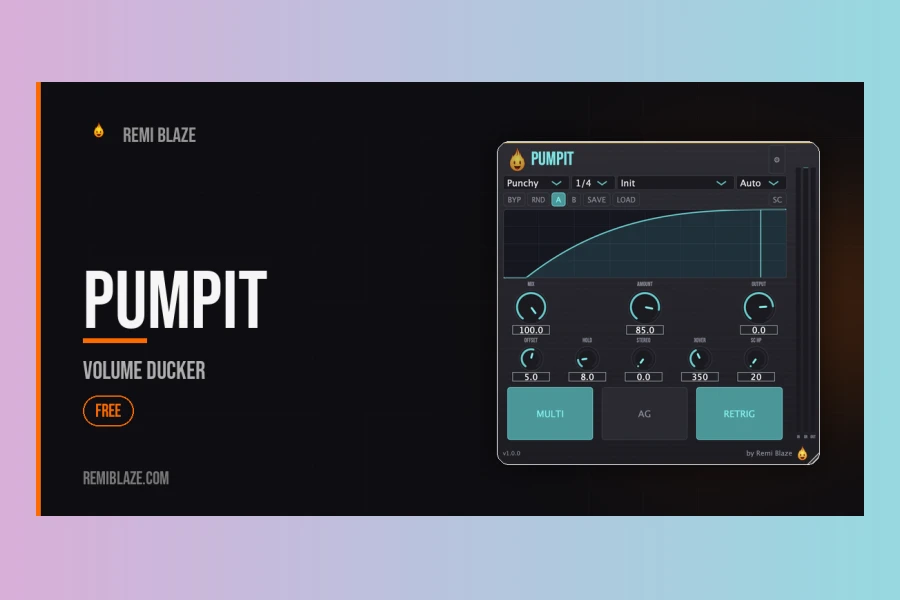
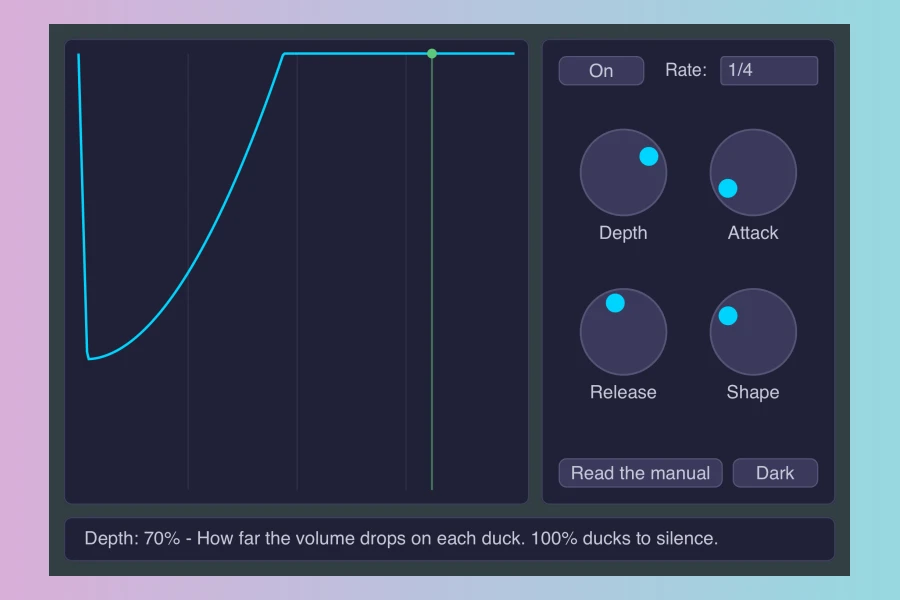
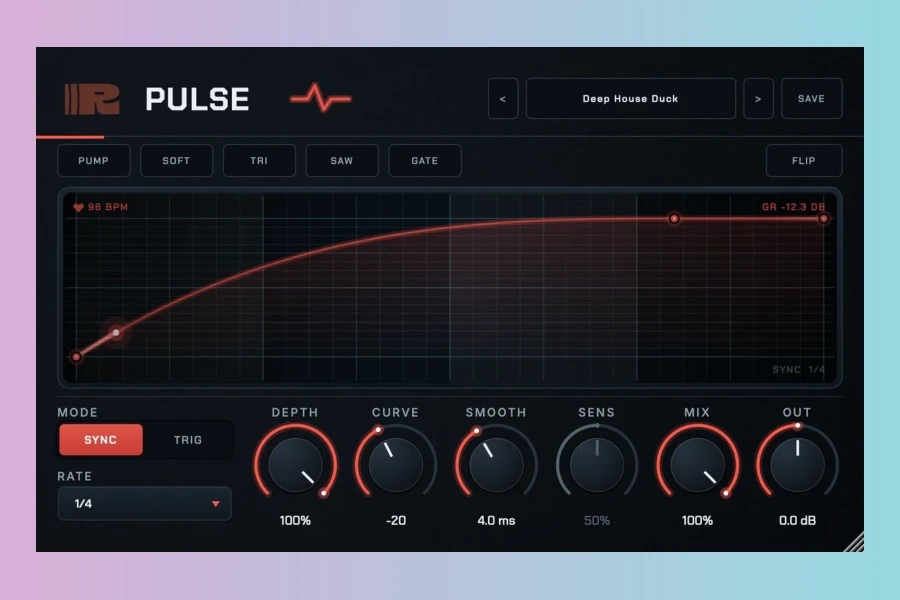
Pulse draws a volume curve that you can edit. It includes five shapes: Pump, Soft, Tri, Saw, and Gate. Each shape can be flipped upside down with the Flip button. You can drag the curve nodes to position the dip exactly where the kick hits. Depth controls how far the volume drops, Curve bends the return, and Smooth rounds the corners. A gain-reduction meter shows the effect in real time. Additionally, the interface displays the host tempo next to the meter, making it easy to align the shape.
Sync and Trigger Modes
Pulse offers two operational modes. Sync mode locks to the host tempo, with nine rates ranging from 1/16 to 4 bars, including dotted values. Trig mode fires the shape from the track’s own transients, eliminating the need for complex routing. The Sens control determines how hard a hit must be to trigger the effect. Consequently, you can use Pulse for both steady rhythmic pumping and dynamic, transient-based gating.
Presets and Integration
Sixteen presets come built-in, such as Classic Pump, Deep House Duck, Trance Gate, and Stutter Chop. You can blend the effect with the Mix control and save your own presets. For instance, the Riser Bar preset works well for build-ups, while Kick Carver helps clean up low-end clashes. Pulse also pairs well with other RIPPLES plugins like Kick Designer and Rhythmic Multi-FX, which are available as paid products with 7-day trials.
Pricing and Availability
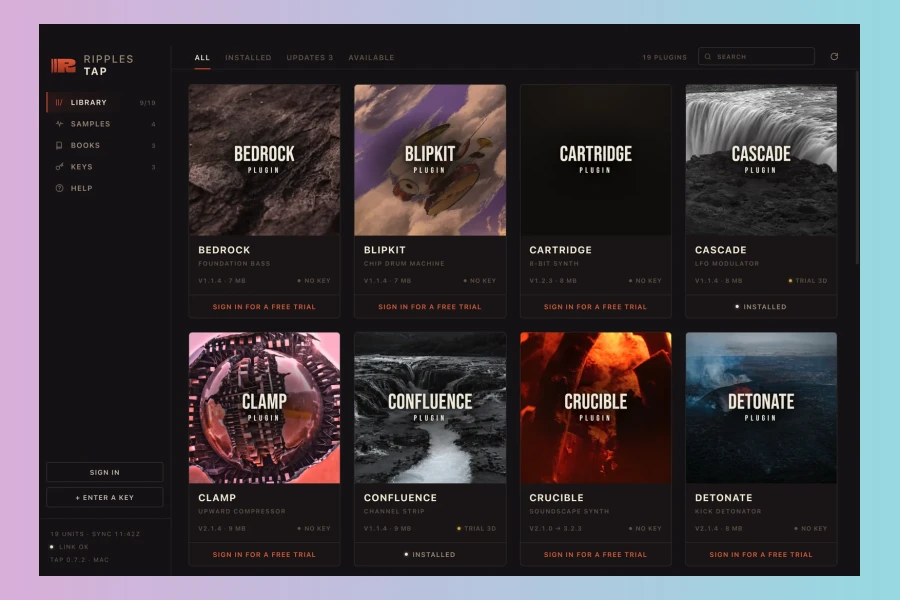
Pulse is completely free. However, you need to sign up for a RIPPLES account. The plugin installs through RIPPLES Tap, the company’s free desktop app for macOS and Windows. The Mac version is notarised by Apple. A demo video is available on the product page, showing Pulse in action with a lo-fi synth. Meanwhile, the Windows installer may trigger a SmartScreen warning, which you can bypass by clicking “More info” and then “Run anyway.”
Pulse works on macOS 10.13 or newer (Intel and Apple Silicon) and Windows 10 or newer. With its straightforward design and zero cost, Pulse is an accessible tool for producers seeking quick sidechain effects. Its limitations include the need for an account and a separate installer app. Nevertheless, for basic pumping and gating, Pulse delivers exactly what it promises.
Pros
- Free of charge
- Five shapes with flip option
- Sync and trigger modes
Cons
- Requires account and installer app
- Limited to volume shaping only

More info: RIPPLES | Pulse
HIT OR SHIT Indicator
💩
Indication by Noizefield
Average Indication by Readers
🚀
What do you think?
Hit or Shit? Please rate from 1 (💩) to 10 (🚀)
✅ You already voted. Thanks!
Check these out!