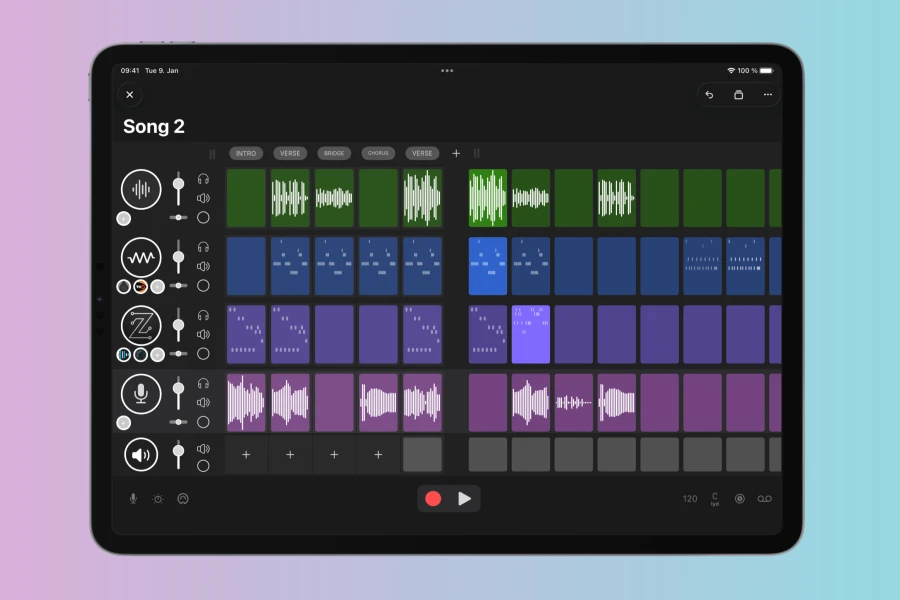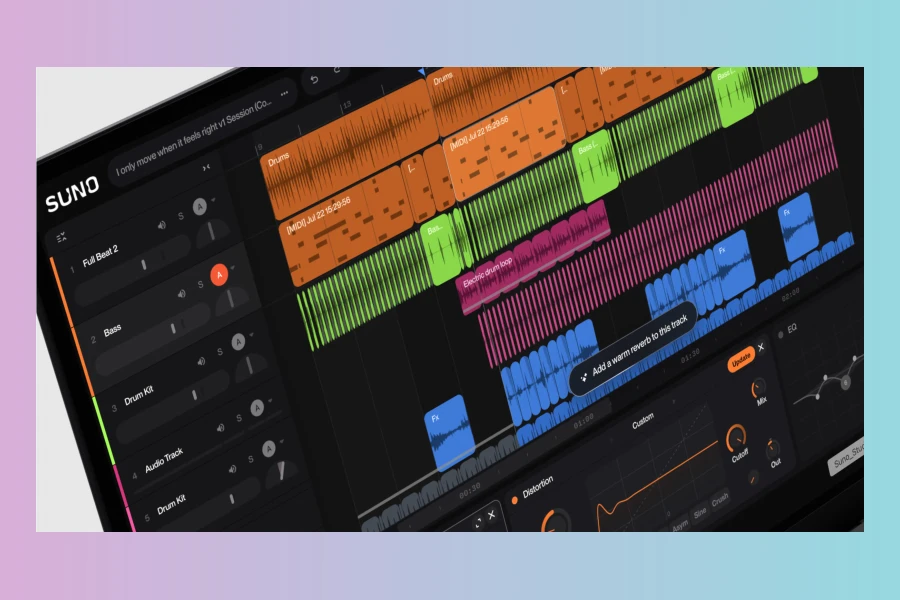
Suno has released Studio 2.0, a major update to its browser-based DAW. This version introduces MIDI support, a chat bar, and custom plugins. These additions aim to expand the creative possibilities for music producers.
First, MIDI integration allows users to connect external controllers and sequence notes. This is a huge leap for a web-based tool. Moreover, it bridges the gap between hardware and software workflows. As a result, producers can now use their favorite keyboards and drum pads directly in the browser.
Second, the chat bar enables real-time collaboration and control via natural language. For instance, you can type commands to adjust parameters or even generate musical ideas. Consequently, this might appeal to beginners who are not familiar with complex DAW interfaces.
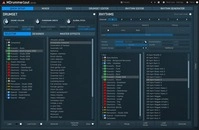
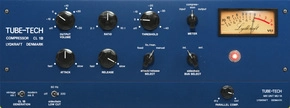
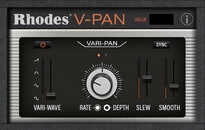
Third, custom plugins open the door to third-party effects and instruments. Similarly, this expands the sonic palette beyond the built-in features. Therefore, users can tailor the DAW to their specific needs.
However, these features also raise questions about the role of traditional music performance. The chat bar, for instance, might shift focus from playing instruments to typing commands. Some purists may argue that this reduces the hands-on feel of music creation.
Features at a Glance
Features
- MIDI support for external controllers and sequencing
- Chat bar for natural language control and collaboration
- Custom plugins to extend functionality
Implications for Music Production
With MIDI, producers can now use hardware synths and keyboards. This bridges the gap between browser-based creation and traditional setups. In addition, custom plugins allow for a more tailored workflow.
Nevertheless, the chat bar might encourage a more AI-driven approach. Some may argue this reduces the tactile connection to music. But it also offers accessibility for those who aren’t trained musicians. Meanwhile, the browser-based nature ensures that everything is accessible from any device.
Overall, Suno Studio 2.0 is a significant step forward. It blends modern conveniences with classic tools. Whether it shifts creative work away from playing music remains to be seen.
For now, producers have more options than ever. The update is available now on the Suno platform.
👍 Pros
- ✓ Adds MIDI support for external controllers
- ✓ Chat bar enables intuitive control and collaboration
- ✓ Custom plugins expand functionality
👎 Cons
- ✗ May shift creative work away from playing music
- ✗ Browser-based limitations compared to desktop DAWs

More info: Suno Studio 2.0
HIT OR SHIT Indicator
💩
Indication by Noizefield
Average Indication by Readers
🚀
What do you think?
Hit or Shit? Please rate from 1 (💩) to 10 (🚀)
✅ You already voted. Thanks!
Check these out!